
Help & Support
Everything you need to get comfortable with Orynr: signing in, finding your way around, using each app, and fixing anything that misbehaves.
Signing in
Orynr signs you in with a passkey. There's no password to steal, guess or phish. Your session is PQC-encrypted, zero-trust and attested: the OS proves it booted un-tampered before it unlocks.
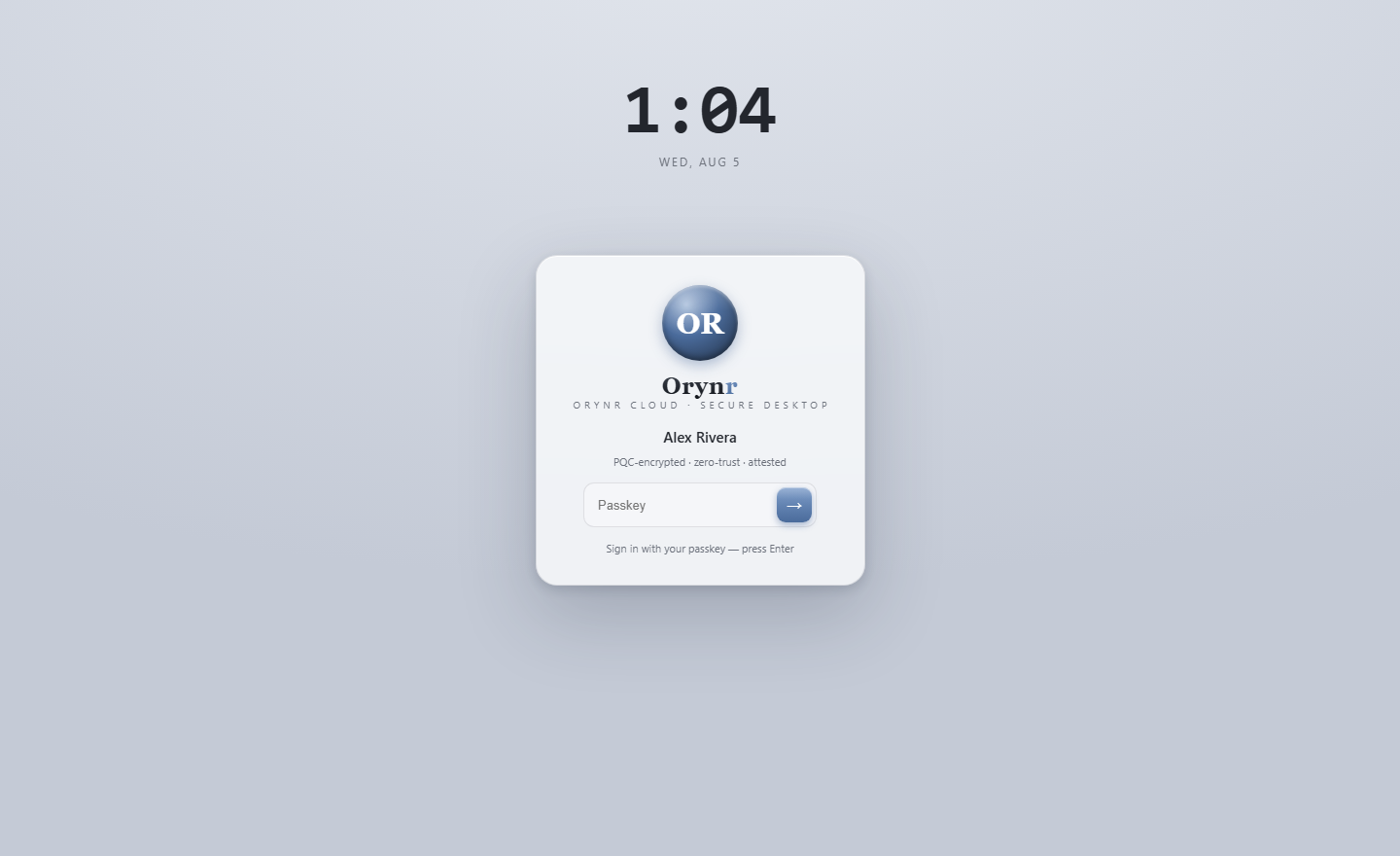
Type your passkey and press Enter. That's it.
The desktop
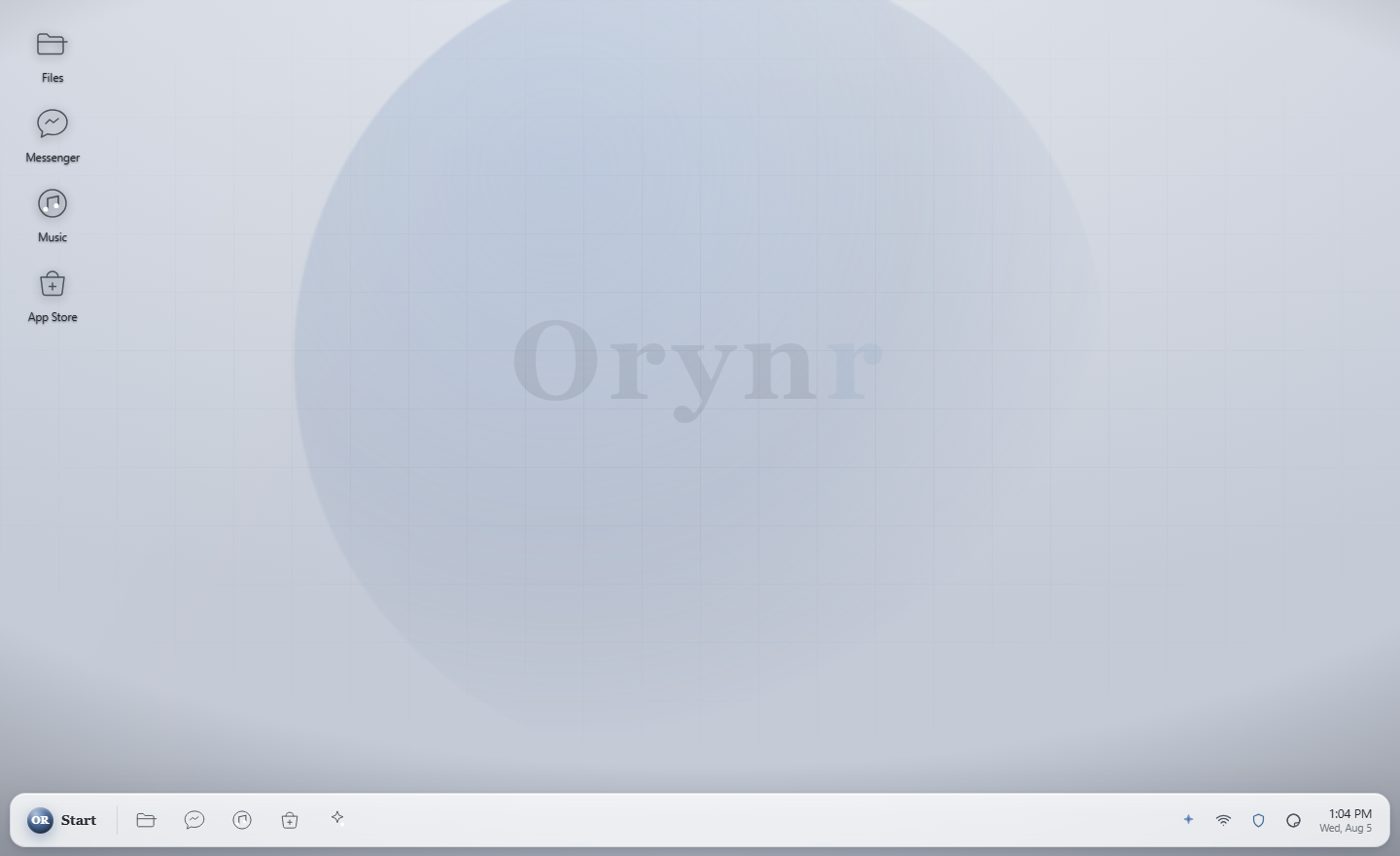
After sign-in you land on the desktop. It's calm on purpose, the security lives in the architecture, not in your face.
Desktop icons
Your everyday apps: Files, Browser, App Store and Trash. Double-click to open.
Taskbar
The Start menu, quick-launch icons, the system tray (network, activity, firewall, threats, theme) and the clock.
Start menu
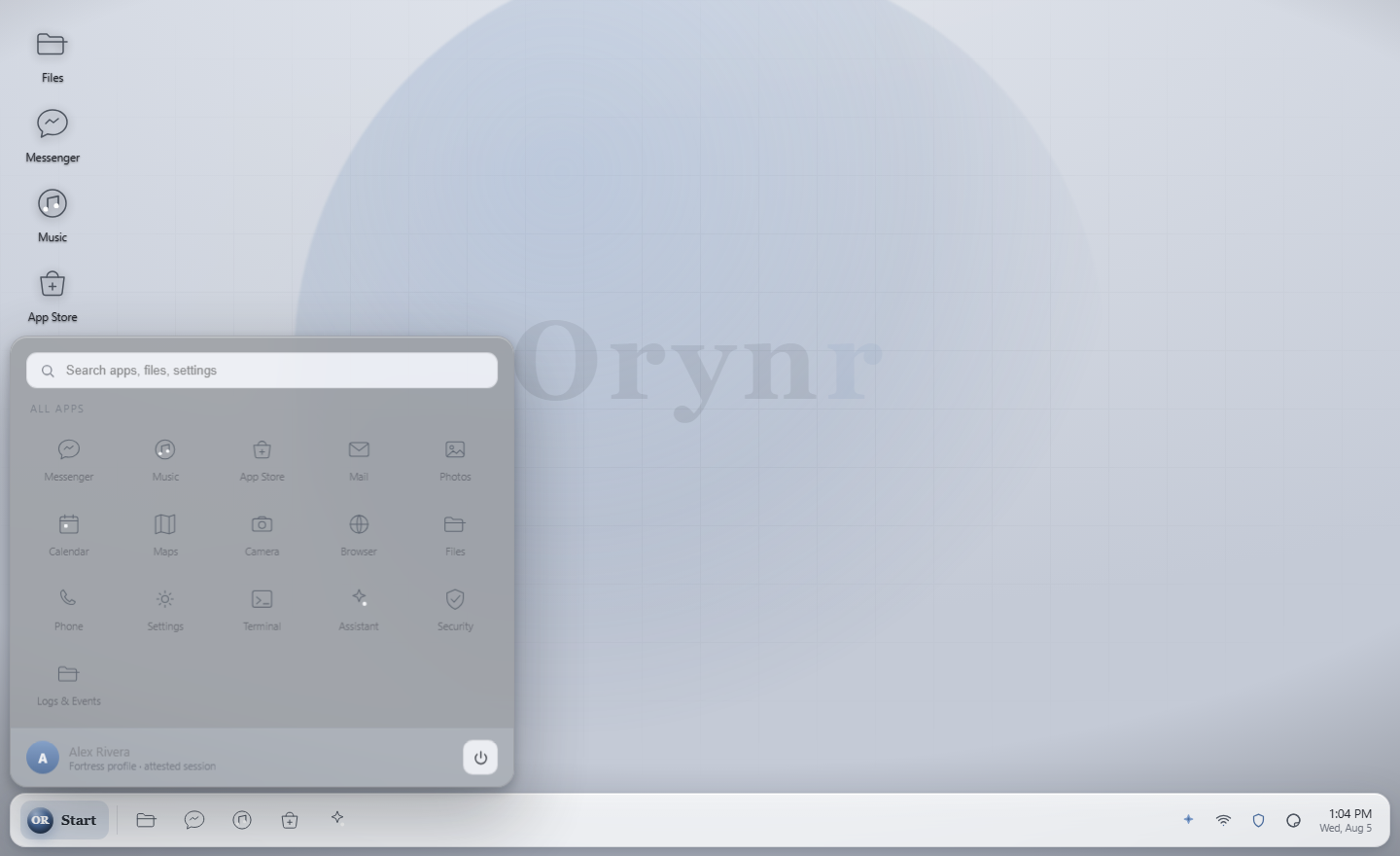
Search plus every installed app, with your profile and the power button at the bottom.
The 60-second tour
| Do this | To… |
|---|---|
| Start → Assistant | Ask Ora anything, or have it do real work (with your consent) |
| Files (desktop) | Browse, organize and safely open your files |
| Start → Security | Run a scan, check the firewall and threat centre |
| Start → Settings | Themes, display, multi-monitor |
| Right-click the desktop | Personalize, display settings, new file or folder |
| Start → power | Shut down or restart |
Files
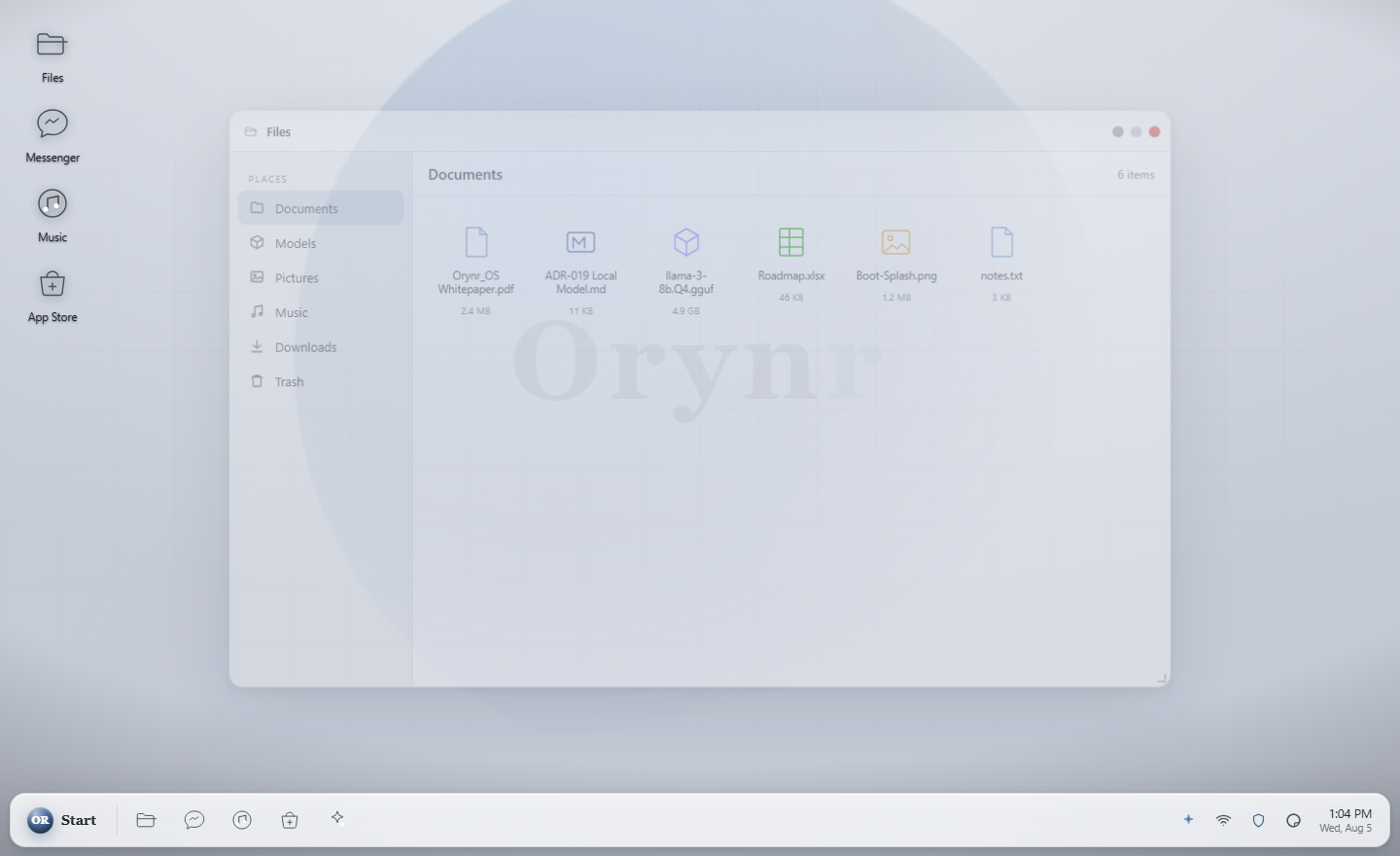
Your file manager. It opens in your home, which has the folders you'd expect — Documents, Downloads, Pictures, Videos, Music, Desktop and Public, on the writable part of the disk, so you can genuinely save into them.
Everyday use
- Navigate. Double-click folders;
↑up,⌂home,↻refresh. - Create. Right-click empty space → New folder / New file.
- Organize. Right-click an item for Copy, Cut, Paste, Rename, Delete.
- Trash, Delete moves items to the Trash (recover them from the desktop Trash icon). Deleting inside the Trash is permanent, and Orynr tells you which one you're about to do.
Unique to Orynr: files can't lie
Most desktops decide what a file is from its name, a decades-old attack. Orynr
identifies every file by its actual contents. A file whose name disagrees
with its bytes, invoice.pdf that's really a program, is flagged, and Orynr
refuses to open it with the handler its name claims.
Assistant (Ora)
Your on-device AI operator. Ora answers questions and takes real actions on the system, but every privileged action raises a consent card you approve or deny, and everything is audited.
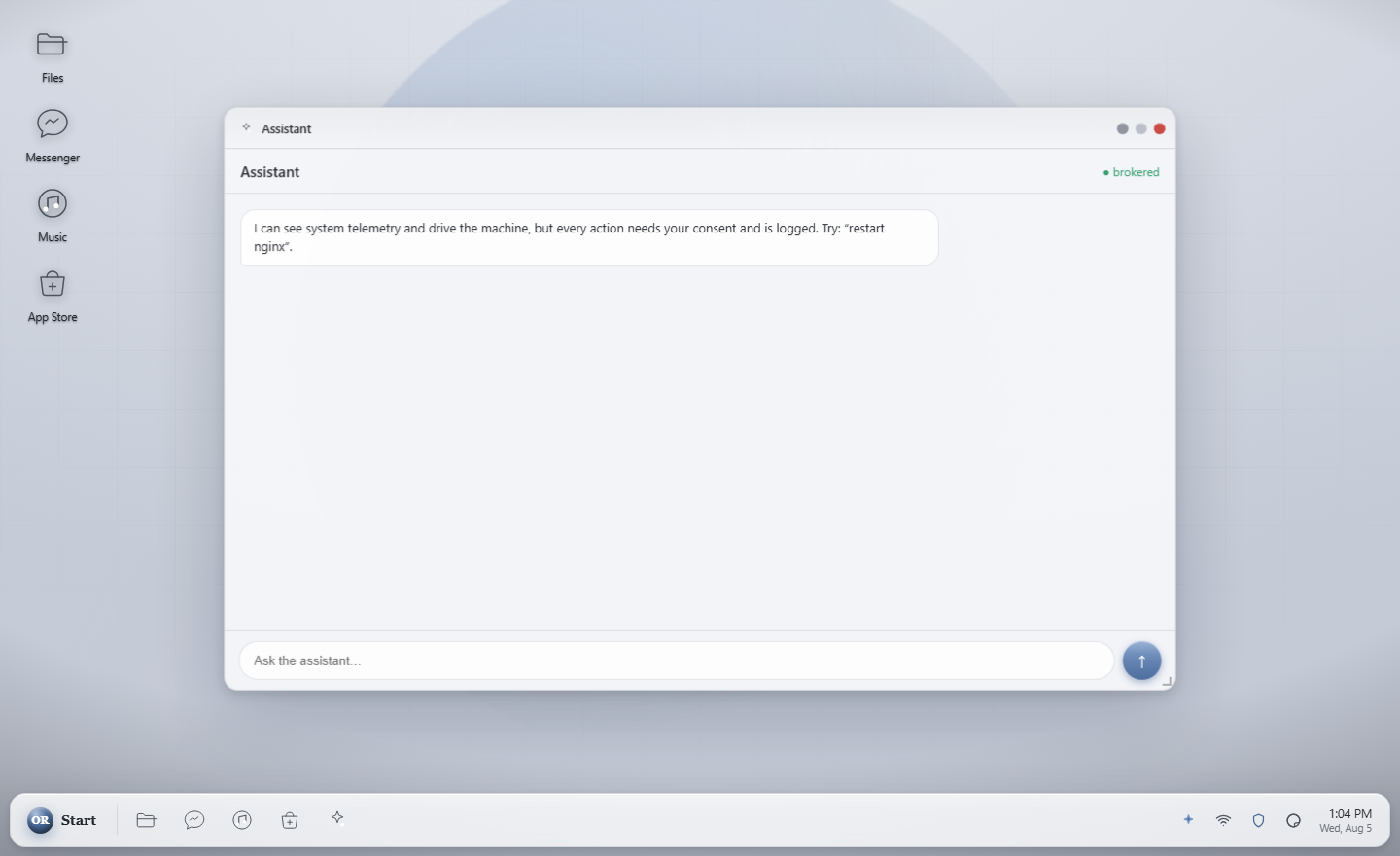
First run, point Ora at a model
- Open the Assistant and click the gear → Models & providers.
- Under Local / custom server, enter your model server as
host:portor a full URL, for example192.168.1.5:4097. - Click Connect. Orynr auto-detects OpenAI-compatible servers (llama.cpp, vLLM, LM Studio, Ollama) and native Orynr engines.
Using Ora day to day
- Ask or instruct. Type a question or a goal, press Send.
- Stop. While it's working, Send becomes Stop; click to halt a long answer.
- Reasoning. Thinking models stream their reasoning into a collapsible panel, the answer into the bubble.
- Consent cards. When Ora wants to run a command or touch files you get Approve / Deny.
- Access scope, Container (safe default), Home & files, Whole OS, or a custom folder.
Security
Your defence centre, one window, several layers.
Antivirus Shipping
System scan, Drive scan, or Talk to Ora to investigate anything suspicious.
Network firewall Shipping
The packet firewall plus the Threat Centre for live connections and blocks.
Kernel firewall New
Watches the kernel itself: sees every program that runs and can block execution from the temp folders malware hides in.
App Store
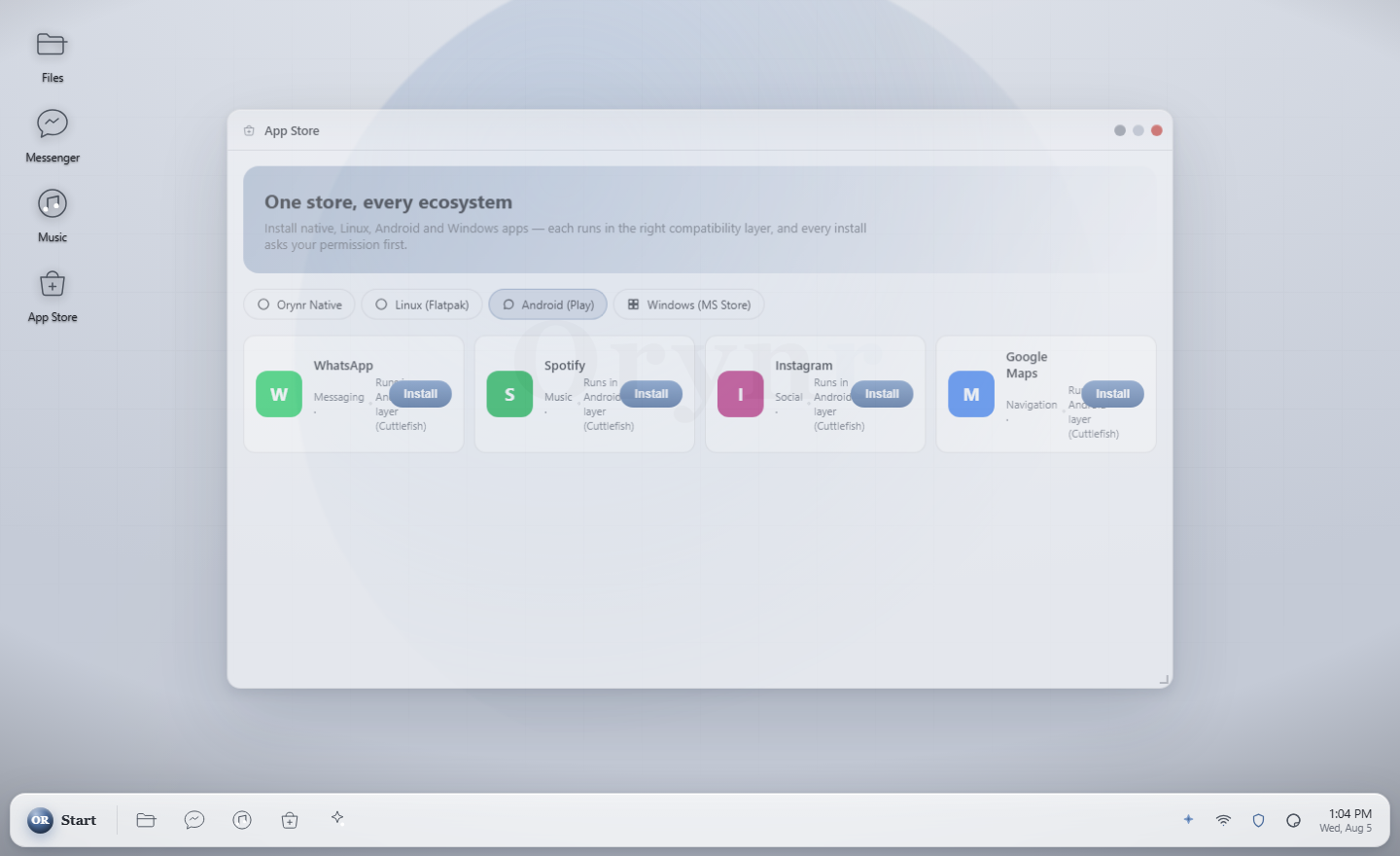
Extend what Ora can do. The App Store installs capability packs. Filesystem access, databases, web tools and more. Each new capability is still gated by the consent broker, so a bigger toolbox never means less control.
Browser
An AI-first browser. It fetches a page, reduces it to readable text, and lets Ora summarize it, answer questions about it, or pull out exactly what you need, with multi-pane reading for wide screens.
Open it from the desktop Browser icon or Start → Browser.
Settings & themes
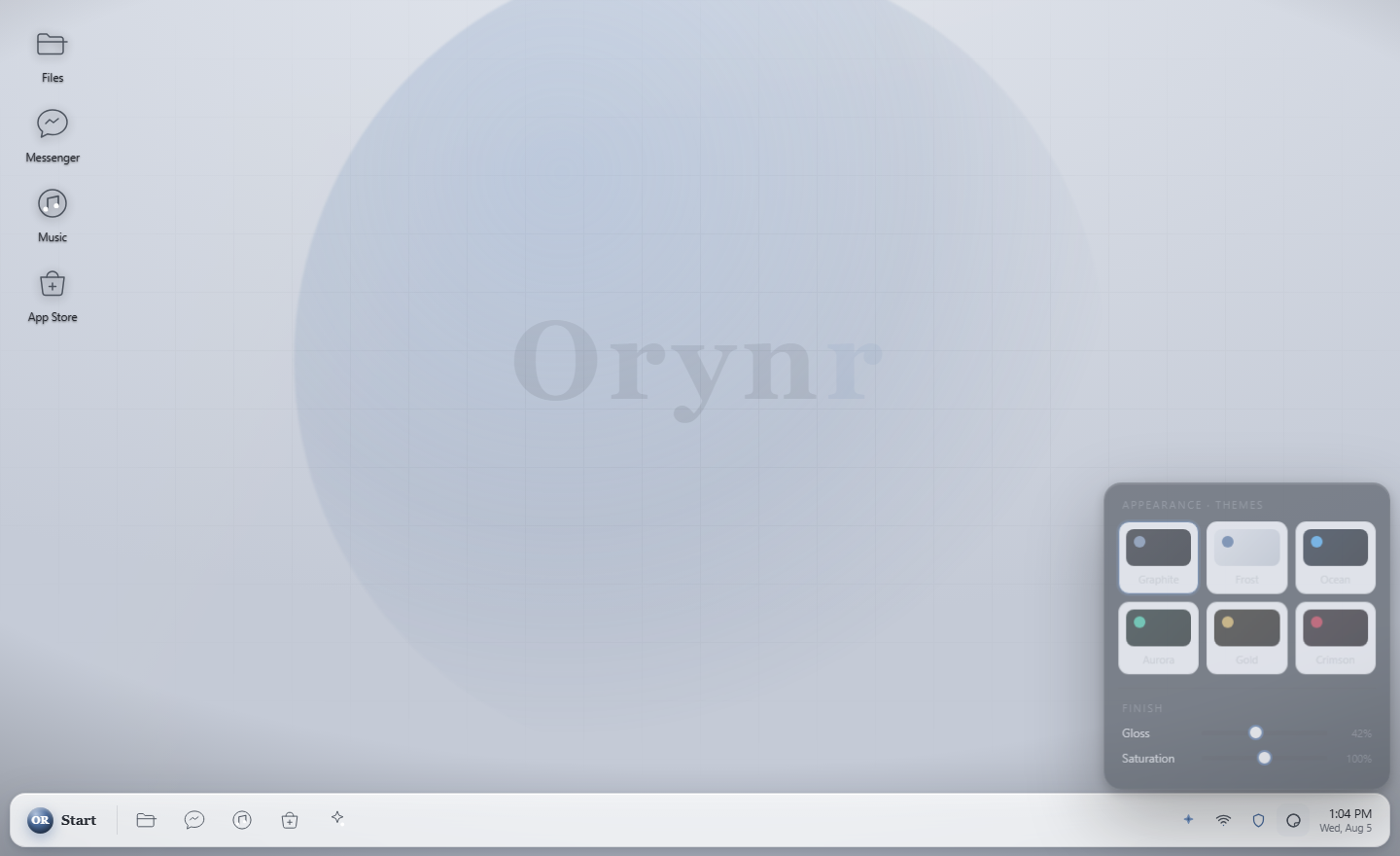
Appearance
Seven themes (default Frost, a clean light look), plus gloss, saturation and wallpaper. Shortcut: right-click desktop → Personalize.
Display
Resolution, refresh rate and scale. Multi-monitor with Single / Extend / Mirror, per-display wallpaper and icon sizes.
Power
Start → power opens a small menu with Shut Down and Restart. There's a confirmation step, so a stray click never powers you off.
How Orynr protects you
You don't have to do anything for most of this, it's how the system is built.
The system can't be tampered with
The system disk is read-only and cryptographically verified. Alter it and it won't boot.
A hardened kernel we build ourselves
Mainline Linux LTS plus the hardened patch set and our own configuration, with layered defences against kernel exploitation.
Malware can't run from where malware lives
The kernel firewall can block programs launching from the world-writable temp folders attackers stage payloads in.
Post-quantum signed updates
Updates and governance artifacts are signed with ML-DSA (FIPS 204), so they stay verifiable against future quantum attack. Post-quantum key exchange is on the roadmap.
An AI that can't act behind your back
Every privileged action Ora takes needs your approval and is written to an audit trail.
Files judged by content
A file that lies about its type is flagged and never handed to the wrong handler.
Privacy & your data
- Local-first. Ora runs against a model on your own machine. No prompt or file leaves Orynr unless you explicitly point it at a remote server.
- No content telemetry. Anything Orynr learns from the fleet is OS and hardware problem data only. Never your content.
- You own the machine. Owner control is credential-bound and audited. It is your authenticated control, not a hidden backdoor.
Troubleshooting
Fixes for the things people actually hit. Still stuck? Ask Ora to diagnose it.
The Assistant says “cannot reach agent engine”
Ora needs a model server, and the address matters:
- In a virtual machine,
127.0.0.1means the VM itself, not your host. If the model runs on your host or another machine, use that address: Assistant → gear → Local / custom server →192.168.1.5:4097→ Connect. - Local models need no API key. Leave those fields blank.
- The model server must accept remote connections. Start it listening on
0.0.0.0and allow its port through the host firewall. - Enter just
host:port. If you paste a full URL like…/v1/models, Orynr trims it for you.
The first answer is very slow, then it speeds up
Large local models cold-load on the first request. The first reply can take around 30 seconds while the model loads into memory. After that it's fast. That's the model server warming up, not Orynr hanging.
Ora “thinks” for a while and shows no answer
Reasoning models stream their thinking first, into the collapsible reasoning panel, and the answer second. Give it a moment, or press Stop if you've seen enough.
Files opens on system folders instead of my home
Fixed in current builds, so Files opens in your home. If you still land in system folders, rebuild the image, then use the ⌂ Home button.
Recovering or emptying the Trash
Deleting moves items to the Trash (desktop icon). Open it to drag things back out, or delete them from inside the Trash to remove them for good. The confirmation always tells you which action you're taking.
Boot is slow
A hardened kernel option was zeroing all of RAM at every boot. It's fixed, rebuild the image and boot time drops sharply. In VMware, also switch on “Accelerate 3D graphics” for a snappier desktop.
Black screen after the boot text
An older build could stop at a black screen (a device-brokering service didn't start). Current builds fix this, rebuild the image.
A CD, DVD or USB stick doesn't appear
Optical media auto-mounts read-only at /run/media/orynr/cdrom, so you can browse it in Files. Host↔guest shared folders are an optional add-on that widens the attack surface, so they're off by default.
The kernel firewall isn't blocking anything
By design, it ships in observe mode: it watches every program launch and logs it, but blocks nothing. Enforcement is a switch in its service. Start in observe, see what would be blocked, then enforce. It also needs the current hardened kernel; on an older one it exits cleanly.
Still stuck?
- Ask Ora: “diagnose why X isn't working.” It can inspect the system with your consent.
- Check Start → Security → Threat Centre for anything the firewall flagged.
- When diagnostics are configured, the OS reports boot health to your admin's server.
Frequently asked questions
What is Ora?
Your on-device AI operator. It answers questions and takes real actions on the system. The part that makes it safe: every privileged action raises a consent card you approve or deny, and it's all audited.
Is my data private?
Yes. Orynr is local-first: Ora runs against a model on your own machine, and nothing leaves the box unless you point it somewhere. Fleet-improvement data covers OS and hardware problems only, never your content.
Local AI or cloud AI?
Local by default. Point Ora at any OpenAI-compatible server you run (llama.cpp, vLLM, LM Studio, Ollama) or a native Orynr engine. Local models need no API key.
Is Orynr just Linux?
Underneath it's Linux, a kernel we build ourselves from mainline LTS plus the hardened patch set and our own configuration. On top sits our own desktop, apps and the Ora operator plane.
Can I run Windows apps?
That is being built now, and it is not in this build yet. Here is what it will be, so you can judge whether it fits.
Windows applications run through a compatibility layer that translates Windows API calls into Linux ones. There is no Windows virtual machine, no Microsoft code, and no Windows licence to buy. Each app runs in its own sandbox with the file and network access you grant it, so a Windows program gets no more of your machine than any other app.
It will not run everything. Applications with kernel-level anti-cheat or their own device drivers are the usual exceptions, and we would rather say so than let you find out after switching.
Can Orynr join our Windows domain?
Also being built now. Orynr will join an Active Directory domain using the standard Linux path: Kerberos for authentication, SSSD for identity, and SMB for file shares. Users sign in with their domain account, home directories follow them, and shares mount as expected.
It is off by default and opt-in, offered in the installer and in the enterprise profile only. Joining a domain means trusting a domain controller and running extra network-facing authentication services, which is a real increase in attack surface. That is a reasonable trade for a managed company laptop and the wrong default for a personal machine, so we make you choose it rather than choosing for you.
The hardened Fortress profile does not offer it at all.
Why are some apps (Mail, Photos, Music…) missing?
Orynr only shows icons for apps that actually open, so there are no dead buttons. Those apps are planned and will appear as they ship.
How do I change the look?
Seven themes, default Frost. Right-click the desktop → Personalize / Themes, or Start → Settings → Appearance.
How do I shut down or restart?
Start → power → Shut Down or Restart, with a confirmation.
How do I update Orynr?
Updates rebuild the verified image. Because the base is immutable, updates are all-or-nothing and tamper-evident, never a half-patched state.
Who controls this machine?
You do. Owner sovereignty is credential-bound and audited. It is your authenticated control, not a hidden backdoor.
No help topics match that search. Try a different word, or ask Ora.